Release Notes: The Networking Update & Precision Tools
Experience real-time collaboration with Networked Sessions, plus a suite of precision tool upgrades, new icons, and powerful image filters.
Real-Time Collaboration & Precision Tools
We are thrilled to announce our biggest update yet, featuring Networked Sessions for real-time collaboration, alongside a suite of precision tools and quality-of-life improvements designed to make your strategy sessions smoother than ever.
Networking: The Star of the Show
Strategy is a team sport. With our new Networked Sessions, you can now collaborate in real-time with your entire team.
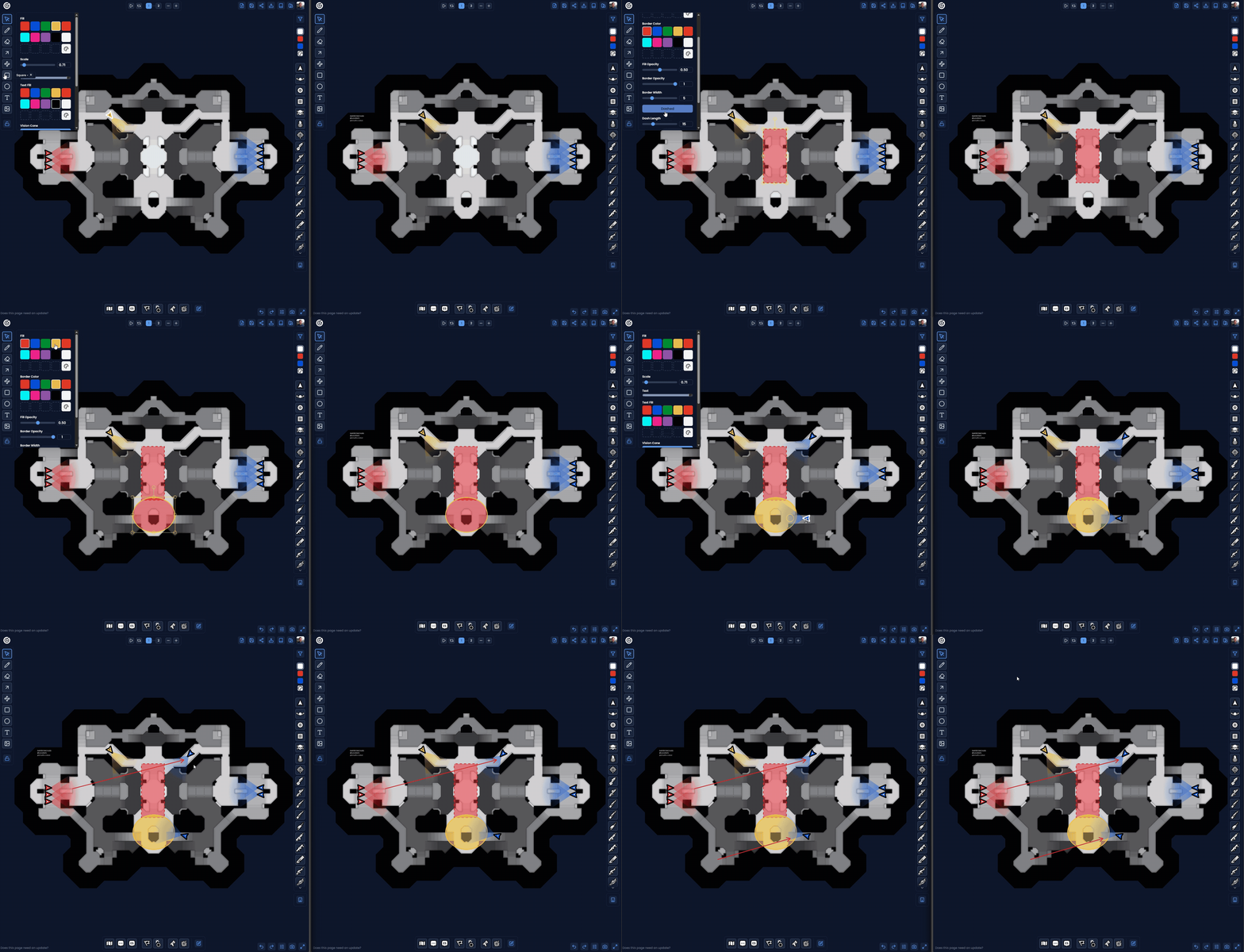
- Live Sync: Moves, drawings, and updates happen instantly for everyone.
- No Accounts Needed: Guests can join and participate without signing up.
- Pro Control: Hosts maintain control over the board state.
Quality of Life Improvements
We've refined the drawing tools to give you perfect precision when you need it.

- Perfect Shapes: Hold
Shiftwhile using the Square or Circle tool to lock them to perfect 1:1 dimensions. - Precision Rotation: Hold
Shiftwhile rotating any object to snap to 15-degree increments.
Multipoint Line Placement
Drawing paths is now more flexible.
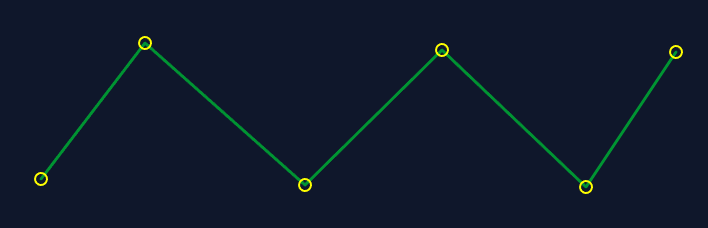
- Open Lines: Want to draw a simple line instead of a closed shape? Just press
Enterto finish your path. This creates an open polyline, perfect for routes and boundaries.
Fine-Grained Control
We've separated the control points for complex shapes to give you more editing power.
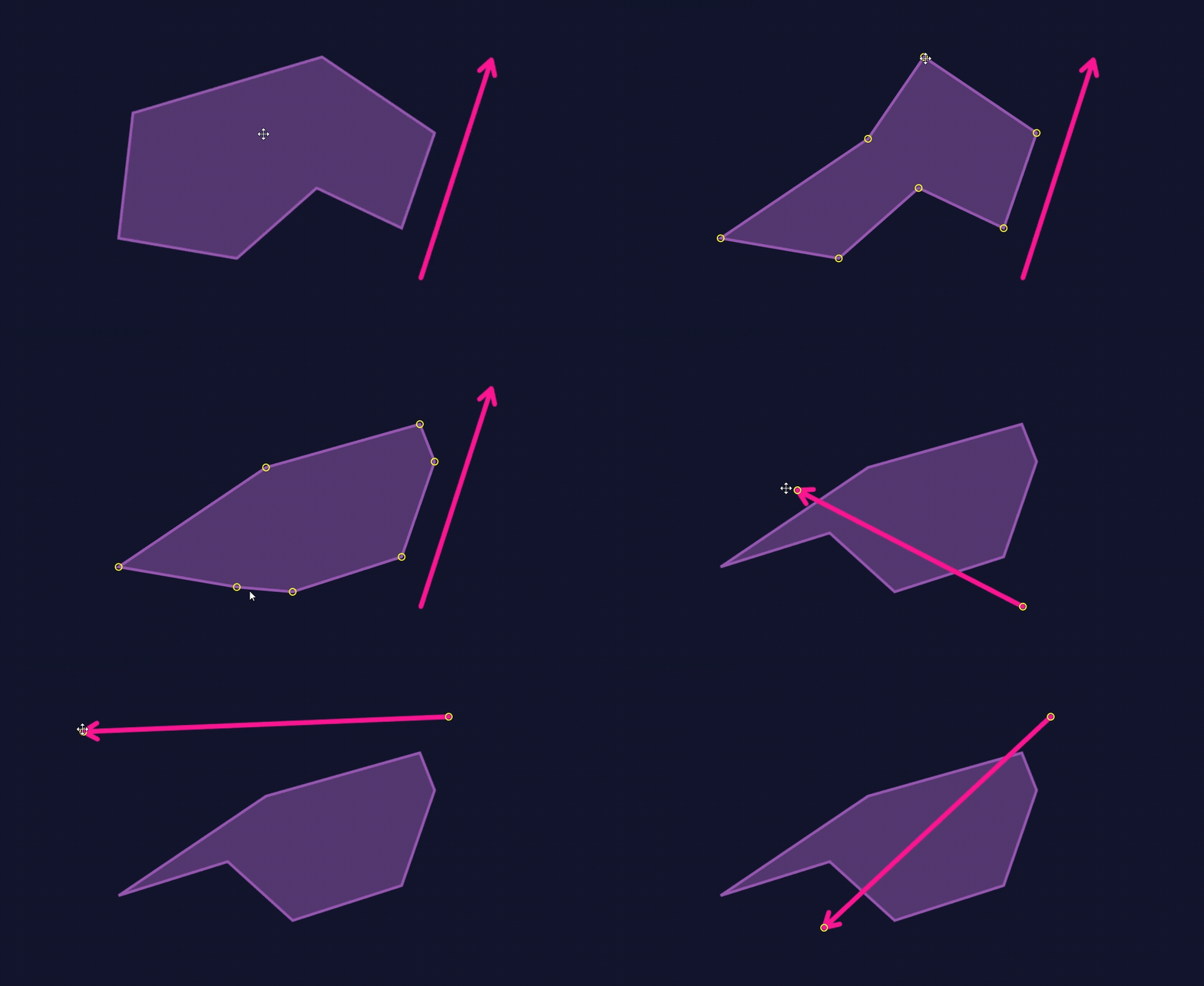
- Independent Movement: You can now move individual points on Polygons and Arrows separately, allowing for precise adjustments after placement.
Enhanced Dash Controls
Customize your lines and shapes with new dash adjustments.
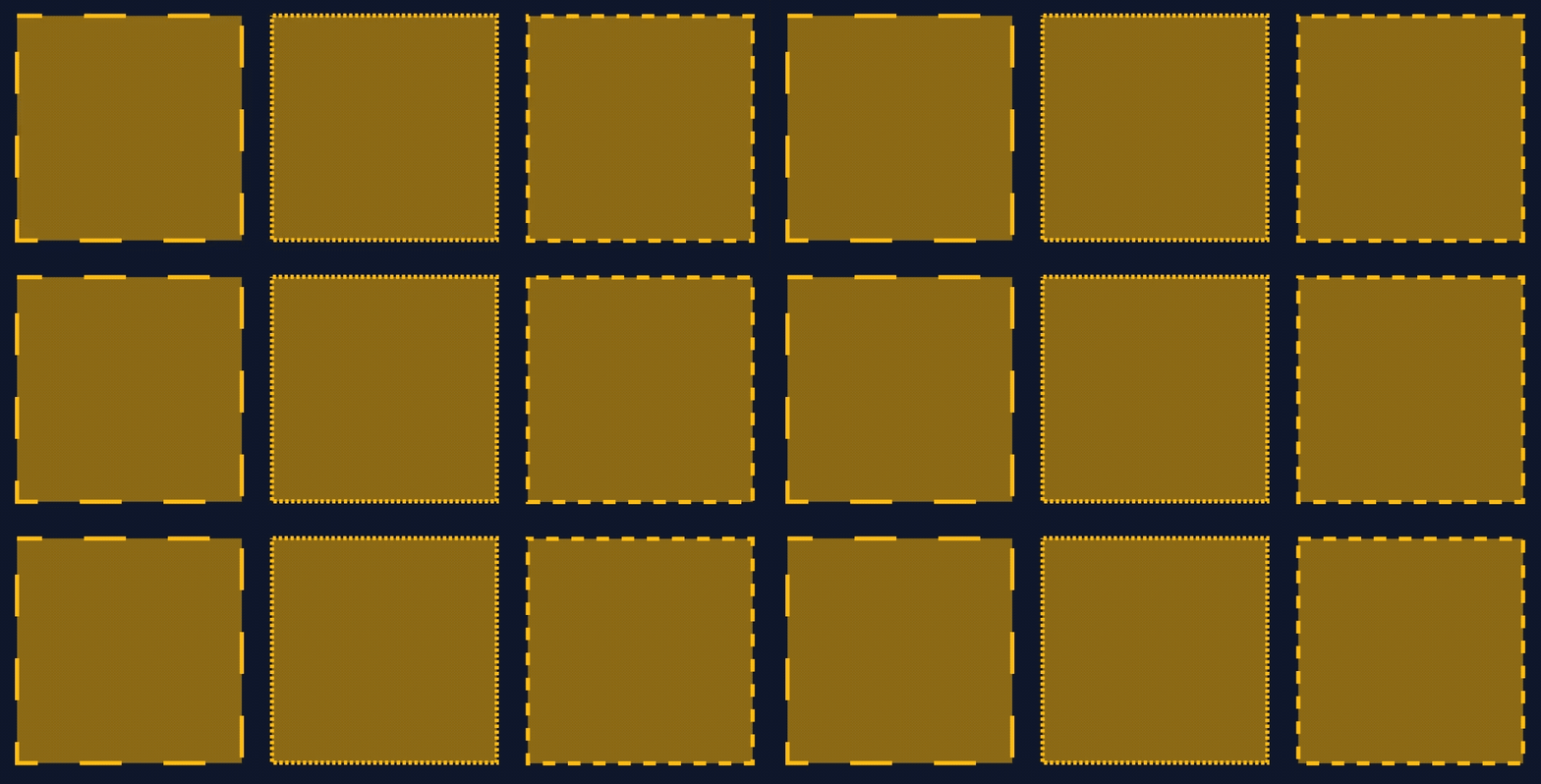
- More Options: Fine-tune dash length and spacing to get the exact look you want.
- Constant Animation: Set dashes to animate continuously for dynamic directional flows.
Feedback & Support
We want to hear from you!
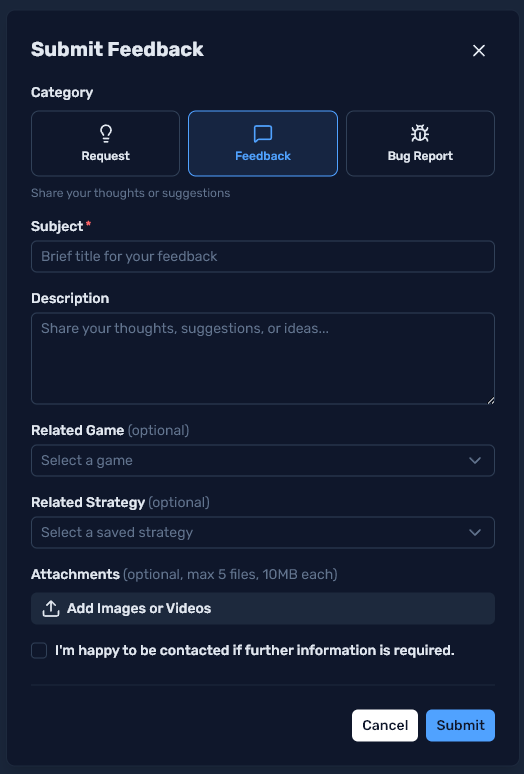
- Better Tracking: I get a lot of requests (which is great!), and this new setup makes it much easier to track them and ship updates faster.
- Direct Access: Submit Feedback, Feature Requests, and Bug Reports directly within the app.
Enhanced Default Icons
Your boards now come pre-loaded with a versatile set of tokens.
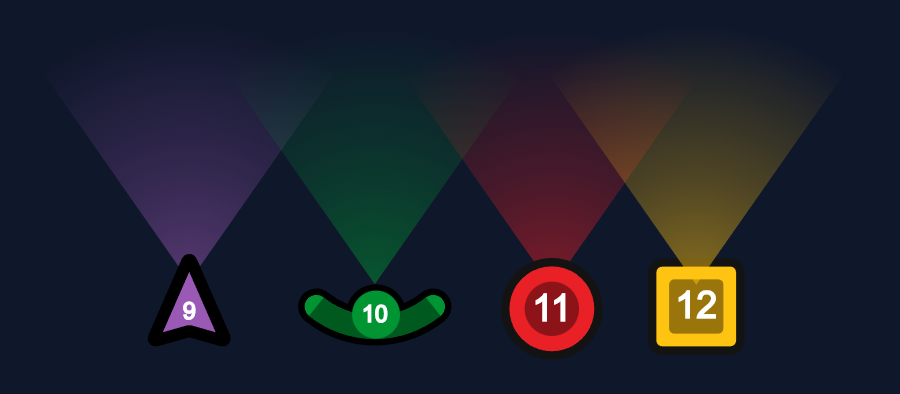
- Ready to Use: Every board now defaults with Player Tokens, Sports Players, Squares, Circles, and the Skull icon.
This update represents a massive step forward for Game Coach. We can't wait to see the strategies you create!
Relates to